InstaChecker
Find out who doesn't follow you back on Instagram
Drag 'followers.json' and 'following.json' here
or click to select files
How to get your Instagram data
Go to Instagram Settings and Account Center, or directly visit: Instagram Account Center
Go to "Your information and permissions" and look for the "Download your information" section
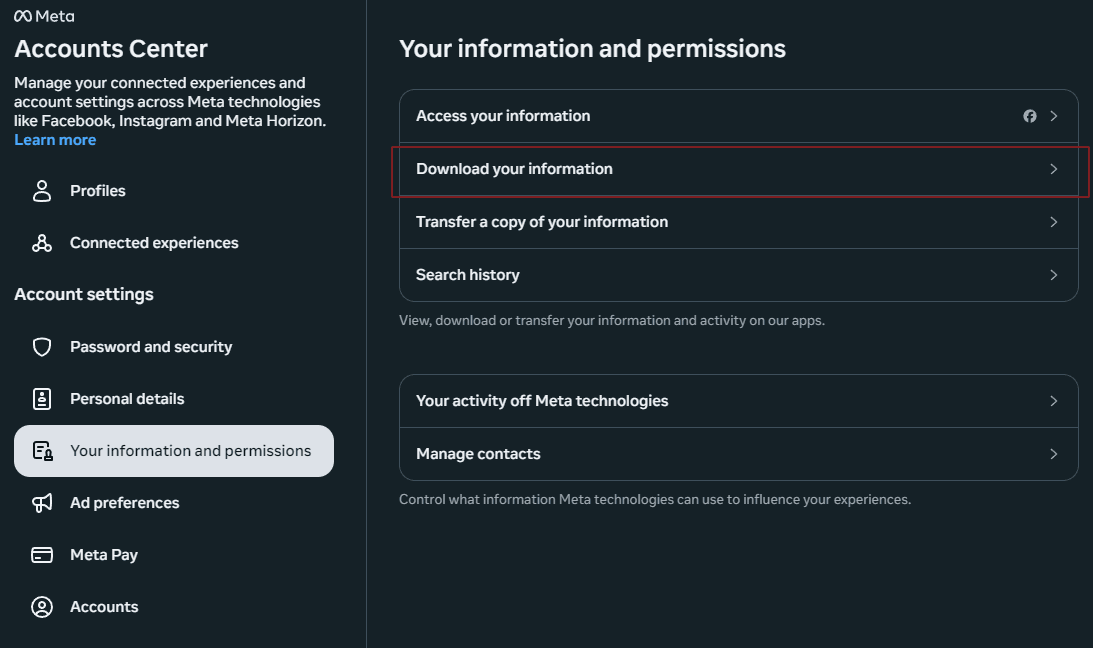
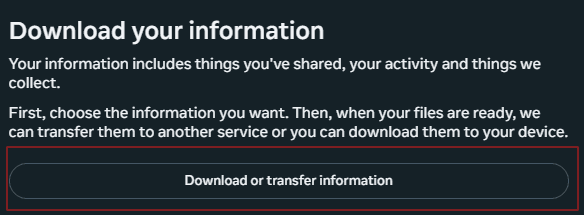
Click on the "Download or transfer information" button
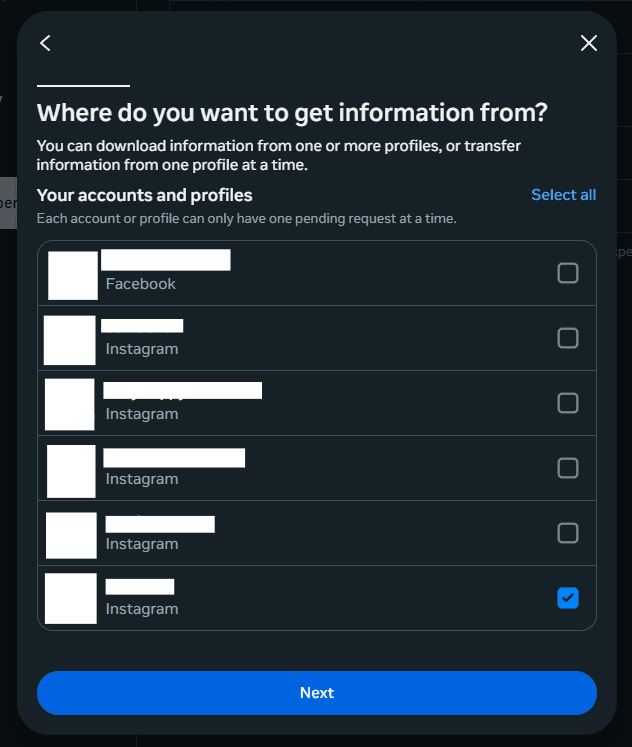
Choose your Instagram account and click "Next"
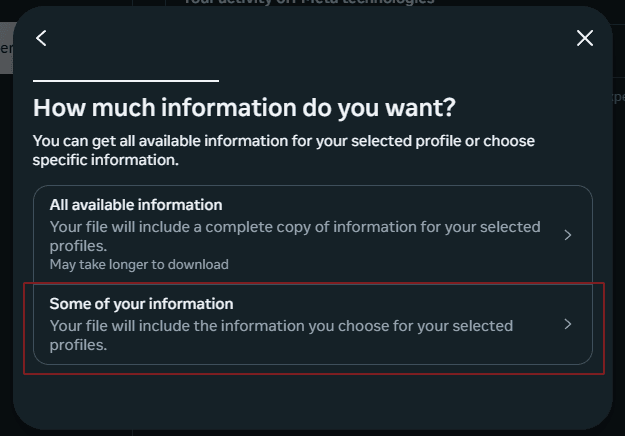
Click on "Select some of your information"
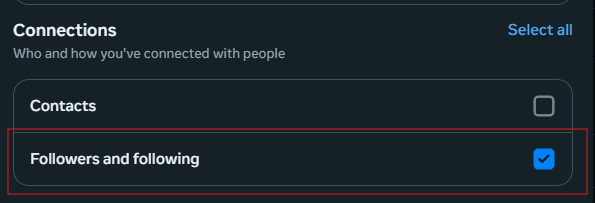
Find and check the boxes for "Followers" and "Following", then click "Next"
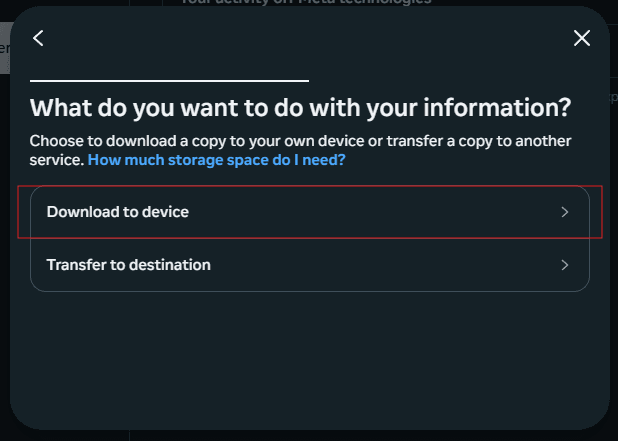
Select "Download to device"
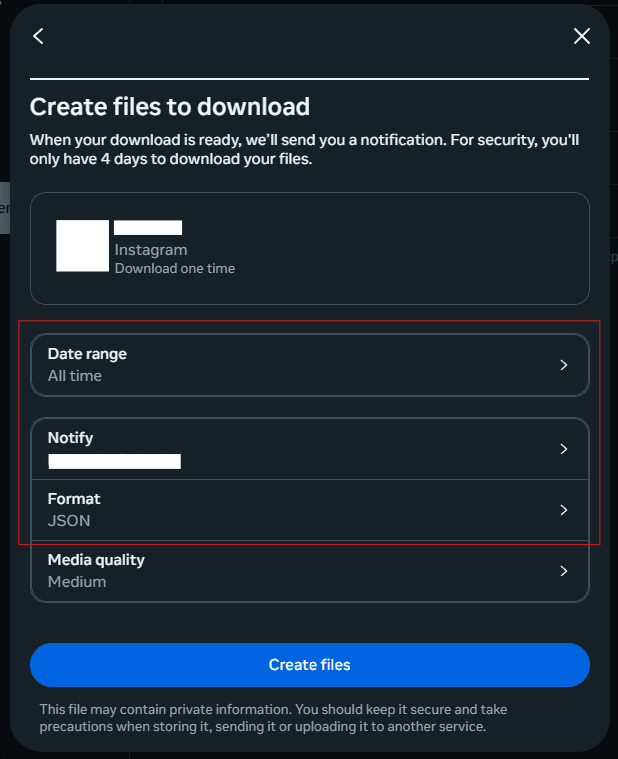
- Set Date range to "All time"
- Enter your email address
- Select "JSON" as the format
- Click "Create files"
- Wait 5-10 minutes for Instagram to process your request
- Check your email for the download link
- Download and extract the ZIP file
- Find the files in: connections > followers_and_following
- You'll find two files: followers_1.json and following.json
Privacy First
Your data stays on your device - we don't store or upload your Instagram data to any server. All processing happens locally in your browser.